TikTok Creative Center: The Operator's Playbook for 2026
Six TikTok Creative Center reports actually worth mining, the swipe-file workflow operators use, and the noise to ignore. A field playbook for 2026.
The TikTok Creative Center is one of the most underused research surfaces in paid social. Most operators open it once, get lost in the trend feed, and never go back. The platform is doing real work behind the scenes. It pulls live signal from a billion-user feed, segments by region and vertical, and exposes it for free with no login wall on most reports.
The problem is the UI tells you nothing about which reports earn the time. This is the playbook our research desk runs every Monday morning to extract the patterns worth shipping that week.
What TikTok Creative Center actually is
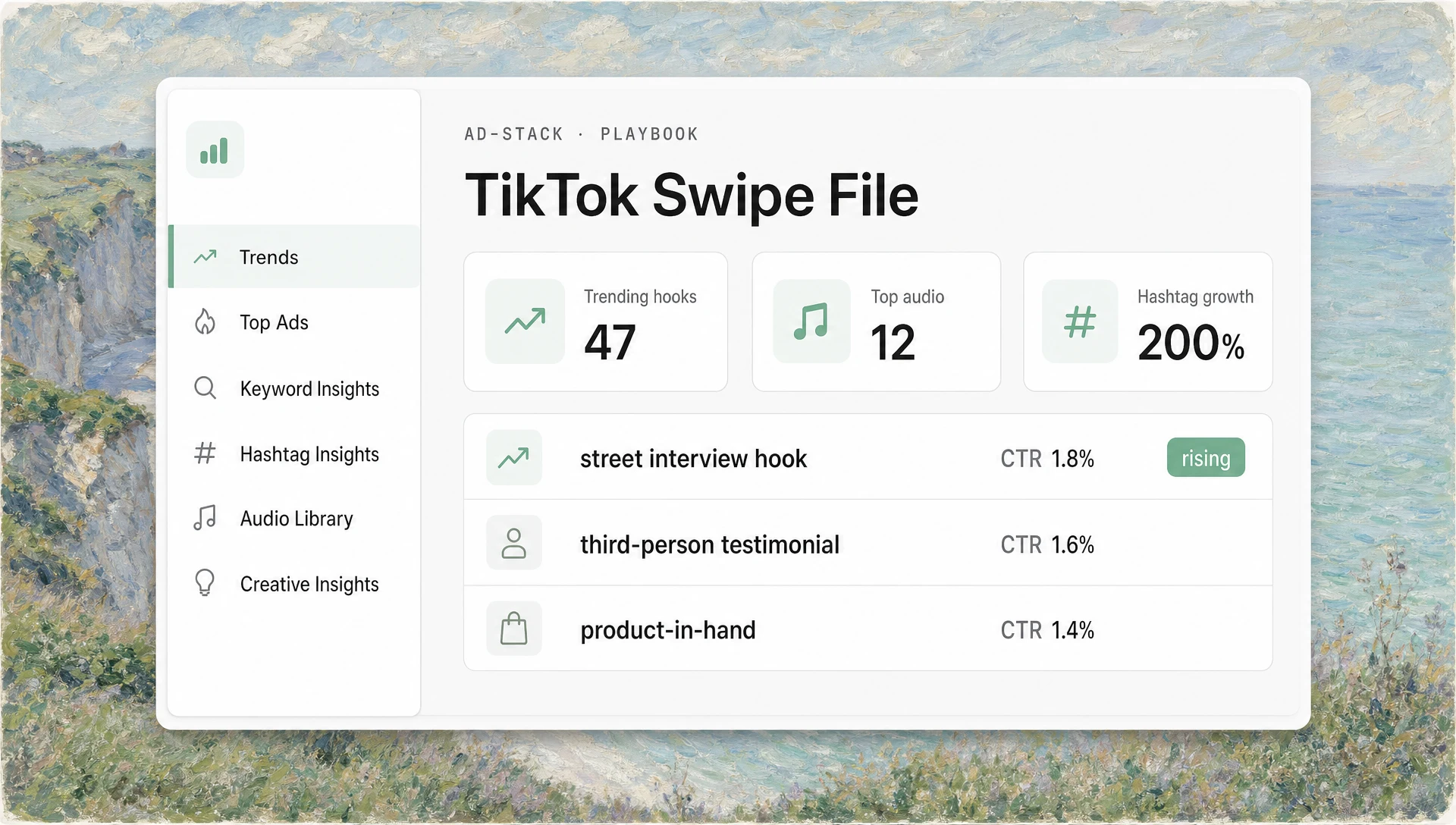
The Creative Center sits at ads.tiktok.com/business/creativecenter. It is TikTok’s research portal for advertisers, creators, and agencies. Six core surfaces matter:
- Trends: what is moving on the platform right now, segmented by region, industry, and time window.
- Top Ads: paid ads sorted by spend, CTR, or conversion, with the full creative playable.
- Keyword Insights: search-volume and trajectory data for terms people type into TikTok search.
- Hashtag Insights: hashtag volume, growth, and the related creators using it.
- Audio Library: commercial-use music and trending sounds with usage data.
- Creative Insights: TikTok’s editorial breakdown of why specific creative is working.
There are six more surfaces on top of these (Creator Marketplace, Symphony Assistant, Showcase, Influencer Discovery, Music Charts, Trend Discovery). They are not bad. They are just not where operators find the patterns that turn into winning ads.
The Monday morning workflow
Block 45 minutes. Open six tabs. Work in this order.
Tab 1: Trends, filtered to your region and vertical
Set region to your top market. Set industry to the closest match (Apps, Beauty, E-commerce, Finance, Gaming, Tech, etc.). Set time window to 7 days. Read the top 20 trending hashtags and sort mentally by which ones could plausibly carry a brand message in your category.
What to write down: 3 to 5 trend angles, with the hashtag, the seed creator, and a one-line read on why it is moving. Not the hashtag itself, the underlying behavior.
Tab 2: Top Ads, sorted by CTR for the last 30 days
Filter to your region, your industry, and a CTR sort. Watch the top 20 ads in full at 1× speed. Note the first 2 seconds of every one. The hook is the asset, the rest of the ad is the rendering.
What to write down: hook pattern, character (founder, customer, faceless, AI avatar), opening line verbatim, on-screen text in the first 2 seconds.
Tab 3: Keyword Insights for your top 5 product terms
Type the terms a customer would search to find your product. Note the search-volume trajectory over the last 30 days. Rising terms are the ones worth building creative around because the audience is already primed to look for the answer.
What to write down: each term, current volume bucket, 30-day trajectory arrow, and one related term you had not considered.
Tab 4: Hashtag Insights, cross-checked against Trends
Take the top 3 hashtags from Tab 1 and cross-check them in Hashtag Insights. The platform exposes which creators are using each tag, their typical view count, and the growth rate of the tag itself. A tag growing 200% week over week with a low absolute volume is a different bet than a tag growing 30% on a huge base. Both can work. The risk profile is different.
What to write down: for each top tag, the absolute volume, the growth rate, and 2 creators worth subscribing to as ongoing signal sources.
Tab 5: Audio Library, filtered to commercial use
The Audio Library exposes which sounds are trending and which are licensed for commercial use. The commercial filter is the one that matters for paid placements. Note the top 5 commercial sounds for the week, listen to each at 1× speed, and ask whether any of them fits the tone of an ad in your category.
What to write down: 2 to 3 sound IDs that could plausibly soundtrack your next ad batch, with a one-line read on why.
Tab 6: Creative Insights, scanned not read
Creative Insights is TikTok’s editorial layer on top of the data. The editorial picks are often a beat behind the live trends. Scan the headlines. Read one. Move on. The value of this tab is the cross-reference, not the source.
What to write down: anything that contradicts what you saw in Tabs 1 through 5. Contradictions are where the interesting bets live.
What to ignore
The Creative Center surfaces a lot of data. Most of it is filler. The reports operators waste time on:
- The global trends view without a region filter. Global trends are an average of a billion users. Average is not actionable. Filter to your region every time.
- Top Ads sorted by spend alone. Spend tells you which advertisers have the biggest budgets, not which creative is working hardest. CTR sort is the better default.
- The Influencer Discovery tab as a creator-vetting tool. It surfaces creators TikTok wants to promote, not necessarily the best fit for your brief. Use it for inspiration, not booking.
- Symphony Assistant’s creative suggestions. The output is generic by design. The Creative Center is for research input, not for generating output.
The swipe-file structure
Every operator we know who runs this weekly keeps the output in the same shape. A single Notion or Airtable view with seven columns:
| Column | Content |
|---|---|
| Date | Week of |
| Source tab | Trends / Top Ads / Keyword / Hashtag / Audio |
| Pattern | One-line description |
| Example | Link to the original creative or post |
| Hook line | Verbatim opening line |
| Tool to ship | Which production tool fits this pattern |
| Tested | Yes / no, with CTR and CPA if tested |
The swipe file compounds. After 12 weeks you have a library of 200+ patterns sorted by what has been tested and what is still on the bench. That is the asset. The weekly research is the input that builds it.
For the production layer on top of this research, our guide on how to launch AI ads on TikTok walks through the placement and brief structure side of the workflow. The patterns themselves cross over with our piece on winning hook patterns in 2026.
How regional and vertical filters change the read
The biggest mistake operators make in the Creative Center is reading the US English feed and assuming the patterns apply to their market. They do not. A street-interview hook winning in São Paulo will not necessarily win in Tokyo. A faceless POV pattern winning in Berlin can lose on the same brand in Riyadh.
Set the region filter to your top 3 markets and run the Monday workflow once per market. The 45 minutes per market is the cost of not shipping a pattern that fails on landing.
Vertical filters are coarser. The Creative Center maps your business into one of about 14 industries. If your product sits between two of them (a fintech with a gamified onboarding, for instance), run the workflow under both labels and compare. The patterns will overlap on the obvious moves and diverge on the lateral ones. The divergence is where the bets are.
The reports we re-pull monthly, not weekly
Some reports do not move enough week to week to justify the time. Pull these monthly:
- Audio library deep cuts. Trending sounds rotate weekly. Commercial-safe sounds that hold up for a month are the ones worth building a campaign around.
- Creator earnings benchmarks for the Creator Marketplace, if you book human creators alongside your AI work. The benchmarks move slowly and the monthly cadence is enough.
- Industry trend reports under the Trends section. The longer-form reports are quarterly and worth scanning when they land.
The Monday weekly workflow handles the live signal. The monthly pull handles the structural shifts. Two cadences, no gaps.
Where the patterns turn into ads
The Creative Center is research. The output is a swipe file of patterns. Turning those patterns into ads is a separate workflow with a separate stack. For the production side, see our methodology for testing AI ad tools and the field guide to AI UGC tools in 2026.
For agencies running this at multi-client scale, the agency AI ad workflow playbook covers how to industrialize the Monday research block across 8 to 15 brands without losing the per-brand specificity that makes the research useful in the first place.
FAQ
Is TikTok Creative Center free?
Yes. Most reports require no login. A few of the deeper Top Ads filters and the Creator Marketplace require a free TikTok Ads Manager account. There is no paid tier for the Creative Center itself.
How often should I check the TikTok Creative Center?
Weekly for Trends, Top Ads, Keyword Insights, and Hashtag Insights. Monthly for Audio Library deep cuts, Creator earnings, and industry trend reports. The Monday morning 45-minute workflow above is the cadence most operators settle on after a few weeks.
Can TikTok Creative Center replace my paid research stack?
Partially. It replaces the TikTok-specific layer of your research. It does not replace Meta Ad Library research, competitor monitoring across formats, or paid intelligence tools like Foreplay or Sensor Tower. Treat it as the TikTok primary source, not the entire research stack.
What is the difference between TikTok Creative Center and TikTok Ads Manager?
Creative Center is research and inspiration. Ads Manager is where you build, launch, and measure paid campaigns. The two are designed to be used together. The Creative Center surfaces the patterns. The Ads Manager runs the tests.
Does the Creative Center show ads from my competitors?
Yes, if your competitors are running paid ads on TikTok in your region and industry. The Top Ads tab is the easiest way to pull a competitor swipe file. Filter to the industry, sort by CTR, and watch the top results. The creative is fully playable and downloadable for inspiration.
Related reading
- How to launch AI ads on TikTok. the production side of the workflow.
- Winning AI ad hook patterns in 2026. the patterns currently earning their place on the platform.
- State of AI UGC tools. the field guide to the production stack.
- The best AI ad creative tools in 2026. the ranked tool guide.
- How we test AI ad tools. the methodology behind every review on this site.
- Agency AI ad workflow playbook. how multi-client teams industrialize the research-to-ship loop.
Letters from readers
-
Q·01 How is ad-stack funded?
We pay for every tool seat ourselves at the public plan tier, and the journal is reader-supported via the newsletter. No vendor pays for placement, and no review is sponsored.
-
Q·02 Why benchmark on the same brief instead of letting each tool play to its strengths?
Because the only fair variable in a head-to-head test is the tool. Letting each vendor pick their best demo brief is how the AI ad category got into its current marketing-led mess — every tool wins on its own showcase. Same brief means you can actually compare cost-to-published across the field.
-
Q·03 How often do you re-test tools that have shipped major updates?
Every quarter. Reviews carry a 'last tested' date in the byline. If a tool ships a meaningful capability change between quarterly cycles, we publish a field note rather than waiting — but the score on the main review only moves at the next full re-test.
-
Q·04 Can I send in a tool to be reviewed?
Yes — send a note via the contact link in the footer. We can't promise coverage of every submission, and being suggested has no bearing on the eventual verdict. Vendors who pay for seats themselves rather than offering us free credits are evaluated identically.